
100 prompts. Zero babysitting.
CGPT Flow queues your ChatGPT prompts and generates images in bulk — pause, resume, retry, walk away. 3 free generations, no account needed. CF Flow, for bulk Creative Fabrica uploads, is coming soon.
Real screenshots, not mockups.
Pick the tool for the job.
Each Toolvai tool does one thing. Give it the batch; it does the boring part.

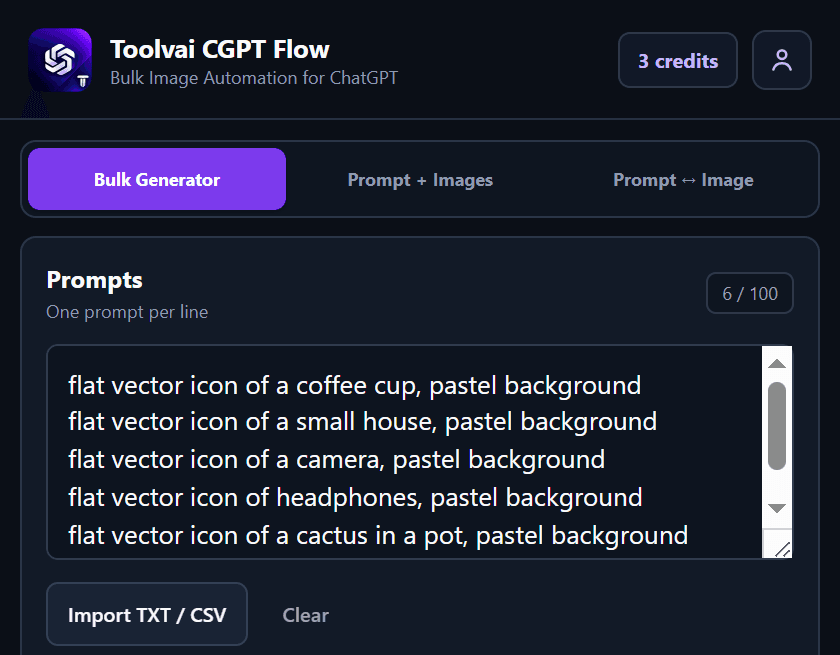
Queue 100 prompts. Let it run.
A hundred prompts means sitting at ChatGPT for hours, pasting, waiting, saving, repeating.
Paste the list. It runs them one after another and saves each result.

Upload the whole folder, not one listing at a time.
Forty products means forty listings, forty descriptions, forty tag sets, and an afternoon gone.
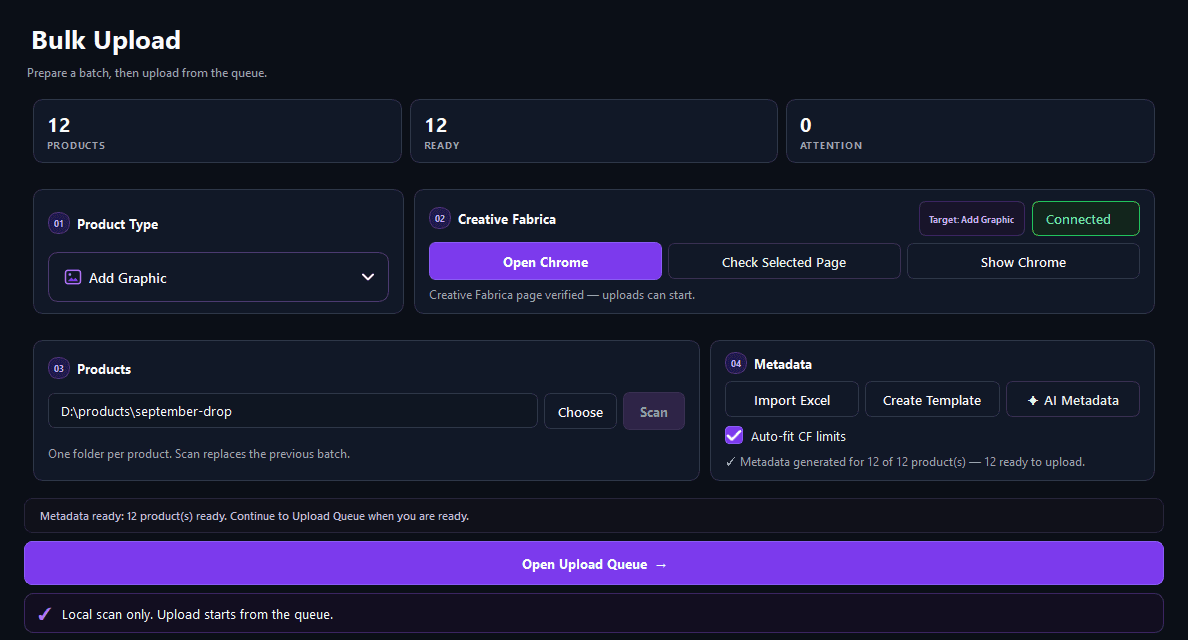
Point it at the folder. Come back to live listings.
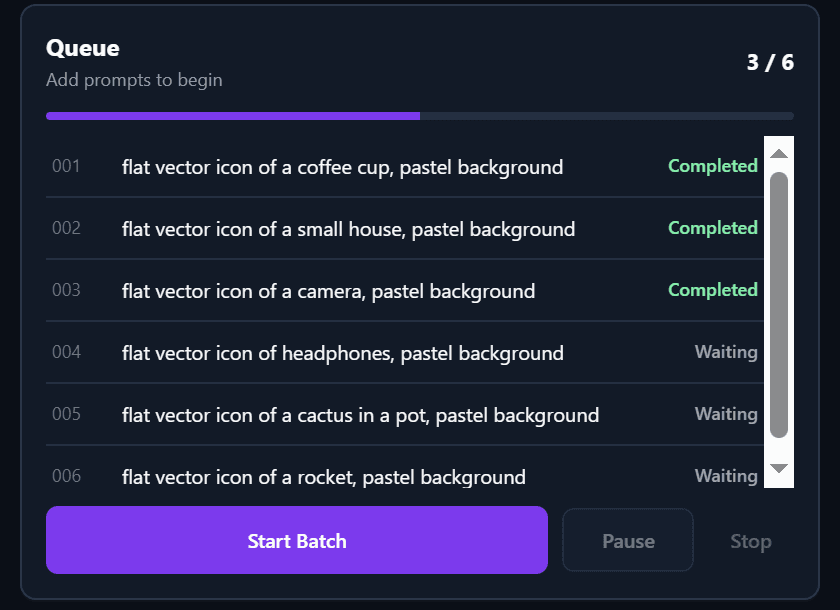
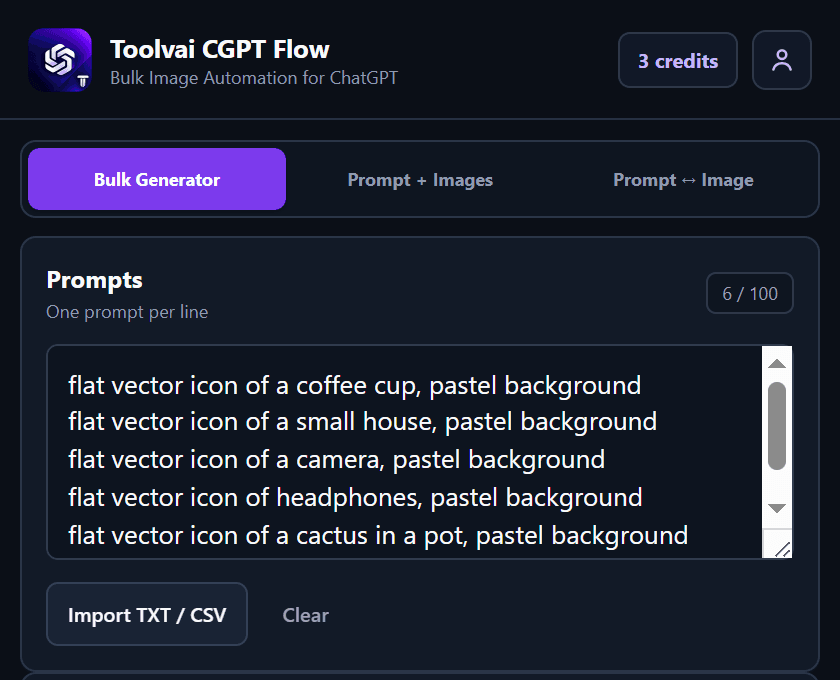
Queue 100 prompts. Let it run.
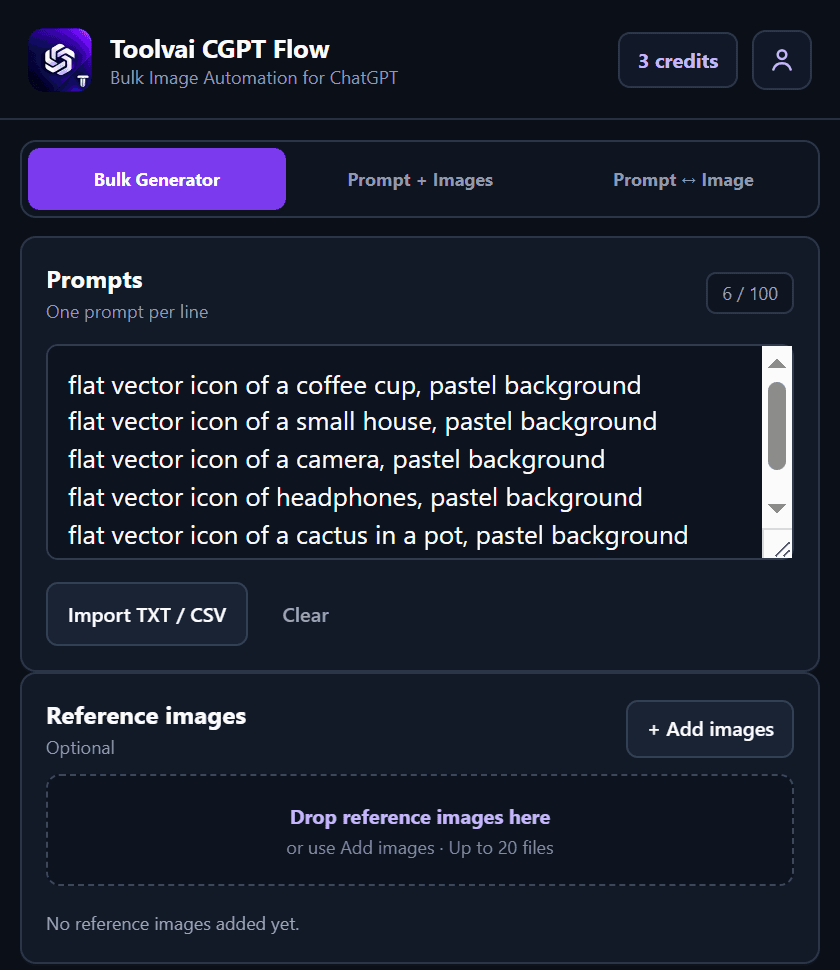
CGPT Flow runs your ChatGPT image jobs one after another — plain prompts, prompts with reference images, or prompt-image pairs — and saves each result the moment it finishes. Pause, resume, retry, or skip any item.
- Up to 100 prompts per batch
- Reference images, or prompt ↔ image pairs
- Runs one after another, unattended
- Saves every finished image automatically
- One credit per generation, none for a failed submission
Upload the whole folder, not one listing at a time.
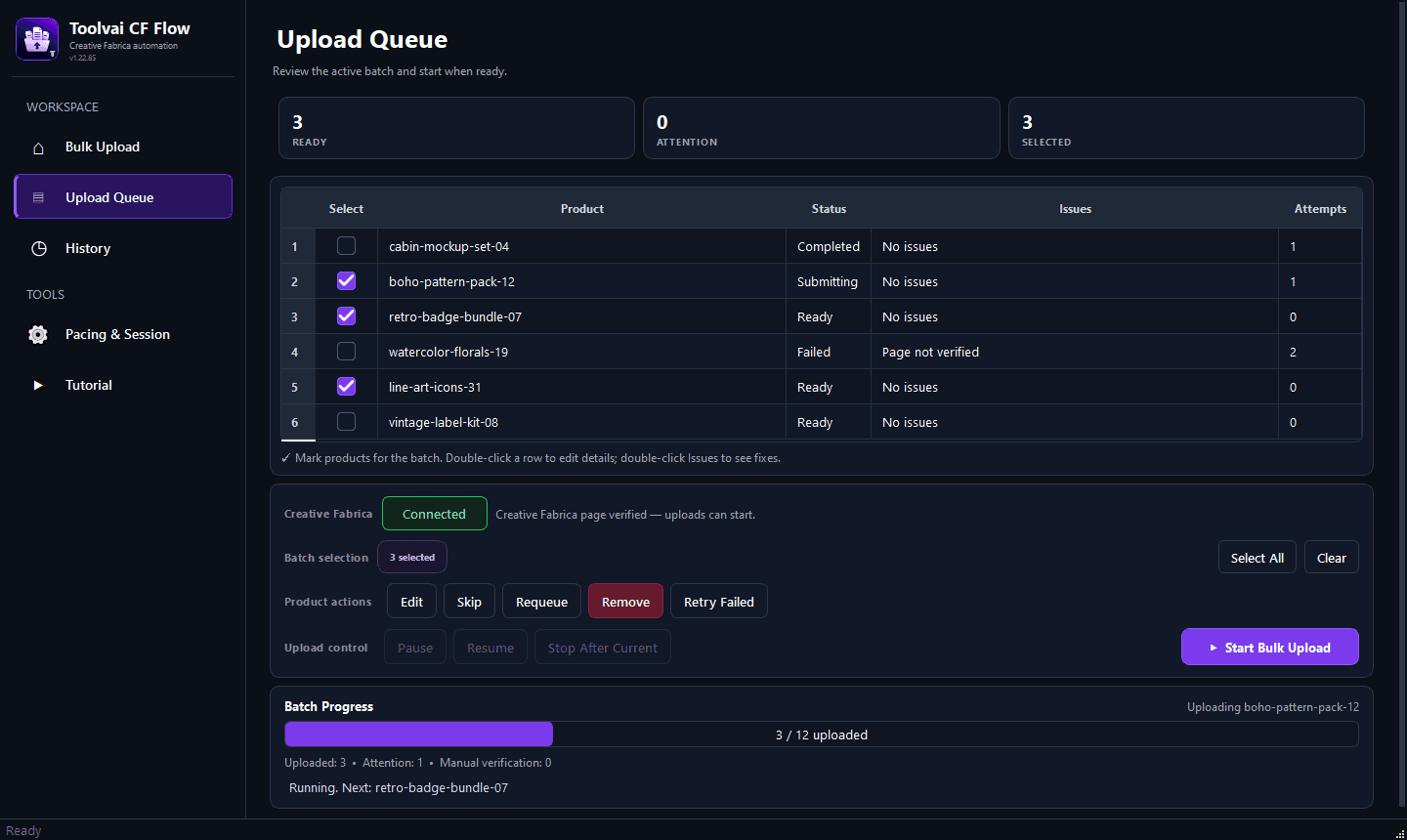
CF Flow takes a folder of products, writes the description and tags for each one, and uploads them to Creative Fabrica in a queue — with attempt counts, retries, and a live connection check so nothing fails silently.
See what's coming- 1Attempts counted, failures retried
A failed upload shows why, and how many times it's been tried.
- 2Runs the queue, not one file
Everything selected goes through in order. Pause or resume any time.
- 3Connection checked first
If Creative Fabrica isn't verified, nothing is sent, so nothing fails silently.
123Upload Queue in CF Flow 1.22, unedited — a preview of what's coming. Numbers match the callouts above.
Every tool works the same way.
One tool per job. CF Flow for Creative Fabrica uploads, CGPT Flow for ChatGPT images.
A folder of products. A list of prompts. Reference images. Whatever the job needs.
The tool works through the queue, retries what fails, and keeps going without you.
Finished images in your downloads folder. Products live on Creative Fabrica.
Built by people who did this by hand.
We made these tools because we were tired of the job. Everything in them exists because the manual version hurt.
CF Flow uploads products. CGPT Flow generates images. Neither tries to be a platform.
Queues, attempt counts, retries, and pause/resume are the product, not extras.
A desktop app for a desktop job. A Chrome extension for a browser job. No hosted middle layer holding your files.
Credits and limits are shown in the tool. One credit per generation, zero for a failed submission.
From people who ran the batch.
Written by people who used the tools, checked by a person before publishing. Critical ones included.
Both tools are new. If you've run a batch through either one, you'd be the first to say how it went — good or bad, we publish both.
Pay for the tool you use.
Each tool has its own plan. CGPT Flow starts free, with 3 generations and no account needed, and 7 more when you sign up. CF Flow plans and upload packs are set inside the app.
- Up to 100 prompts per batch
- Reference images, or prompt ↔ image pairs
- Runs one after another, unattended
- Saves every finished image automatically
- Bulk upload from a folder
- Description and 40+ tags, generated per product
- Attempts counted, failures retried
- Connection checked before every upload
Questions people ask
What does Toolvai actually make?
Small, single-purpose tools for repetitive production work. CGPT Flow, a Chrome extension that runs image prompts through ChatGPT in a queue, is live now. CF Flow, a Windows app that bulk-uploads products to Creative Fabrica, is coming soon.
Do I need an account to try CGPT Flow?
No. You get 3 generations as a guest, per browser. Signing up adds 7 more.
Does one subscription cover both tools?
No. Each tool has its own plan and its own credits. You only pay for the tool you use.
Where do my files go?
They stay with you. CF Flow runs on your machine and uploads straight to Creative Fabrica. CGPT Flow runs in your browser and saves images to Chrome Downloads or a folder you choose. Nothing passes through a Toolvai server.
What happens if a job fails halfway?
The queue keeps going. Failed items are marked with the reason and an attempt count, and you can retry or skip them. In CGPT Flow, a failed submission doesn't use a credit.
What happens when I run out of credits?
The tool stops starting new items until you add credits or your plan renews. Nothing is charged automatically beyond your plan.
Can I cancel?
Yes, from the tool's own account screen. Your plan runs to the end of the period you've paid for.
Will there be more tools?
Yes, when we have one worth shipping. Each new tool gets its own page here; nothing about your existing tools changes.